 Gif Export
Video to GIF
Trim a clip and save it as a looping GIF.
- Fast conversionTurn a short clip into a GIF in seconds.
- Flexible settingsChoose your clip, resolution and frame rate.
- Private by designVideos stay on your device.
MP4, MOV or WebM · Up to 500 MB
Or drag a video here.
Gif Export for iPhone and iPad
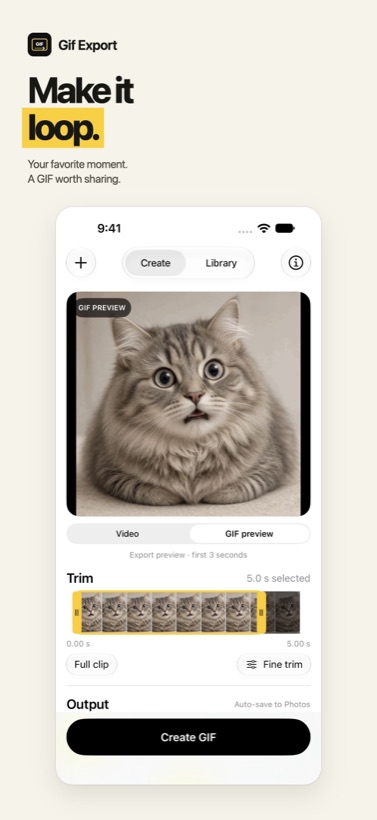
Turn clips from Photos or Files into GIFs and save them to Photos.

Preview the iPhone app
Support
Email usHow do I make a smaller GIF?
Use a shorter clip, lower resolution, or fewer frames per second. In the iOS app you can also choose a target file size.
Why won’t my video open?
The web converter uses the video formats your browser can play. If a clip won’t open, try an MP4 encoded with H.264.
Where are my GIFs saved?
In the browser, tap Download GIF and look in Downloads. The iOS app keeps exports in Library and saves to Photos when you grant permission.
How does the iOS preview work?
It encodes up to the first three seconds of your selection using the export settings. The final GIF covers the full selection.